Multiple lead vendor FAQ
Can AI Cleanup Doctor Help If My Leads Come From Several Vendors?
A customer FAQ explaining how AI Cleanup Doctor can review leads from Google, Facebook, paid vendors, referrals, and website forms from a small redacted sample.
Last updated: October 15, 2026

Direct Answer
Yes. AI Cleanup Doctor can still help if your leads come from Google, Facebook, a paid lead vendor, referrals, your website, and other places. The first pass should not start with private exports. It should start with a small redacted sample: lead source, owner, first response, second touch, fit label, and last meaningful note. The goal is to make the handoff visible before deciding which source deserves more spend.
That answer matters because multi-source lead management gets messy quickly. A contractor may think the problem is Google. The agency may think the problem is the lead vendor. The office may think the salesperson never followed up. The salesperson may think the lead was wrong-fit. Everybody may be partly right, but the business cannot see it because the record is scattered across inboxes, call logs, forms, Facebook messages, vendor portals, spreadsheets, and memory.
AI Cleanup Doctor does not promise attribution certainty, lead quality certainty, ranking, traffic, lead volume, sales outcomes, refunds, or revenue. It helps organize the first layer of evidence so the business can stop guessing too early.
The Customer Question Behind This FAQ
The real question usually sounds like this:
"We get leads from Google, Facebook, a lead vendor, referrals, and our website. Can you still help if everything comes from different places?"
Yes, but the cleanup should be practical. The first goal is not to rebuild the whole CRM, judge every vendor, or prove which channel is best. The first goal is to create one simple view of what happened after each lead arrived.
For most contractors, that means answering six questions:
| Question | Why it matters |
|---|---|
| Where did the lead come from? | Source tells you where demand started. |
| Who owned it? | Ownership tells you whether the handoff was clear. |
| When was the first response? | First touch often explains buyer silence. |
| Was there a second touch? | Many jobs are lost after one weak attempt. |
| Was it a good fit? | Wrong-fit leads should not be judged like qualified jobs. |
| What was the last meaningful note? | The last note often reveals the real next step. |
If those six fields are unclear, arguing about vendor quality may be premature.
Why Multiple Lead Sources Create Confusion

A single-source lead system is already easy to misread. A multi-source system adds more places for the handoff to break.
One lead may arrive through Google Business Profile. Another may come from a website form. Another may start as a Facebook message. Another may come from a paid lead vendor. Another may be a referral texted to the owner. Each source can have a different notification path, owner, response expectation, and tracking record.
That creates a common lead management problem:
| Source | Common record location | Common leak |
|---|---|---|
| Google Business Profile | Call log, profile click, website visit | Call missed or not tied to job note |
| Website form | Email, CRM, form plugin | Notification goes to shared inbox |
| Page inbox, ad lead form, message thread | Page admin sees it but estimator does not | |
| Paid lead vendor | Vendor portal, email, text, call | Lead is labeled bad without response proof |
| Referral | Text, personal email, phone call | Owner remembers it but team cannot see it |
| Repeat customer | Email, phone, old estimate thread | Old context is not linked to new request |
When those records are split, the business may overreact. It may cancel a vendor that was sending workable leads. It may keep paying for a source that creates noise. It may blame the office when the problem is unclear routing. It may blame the source when the problem is no second touch.
What To Send Safely
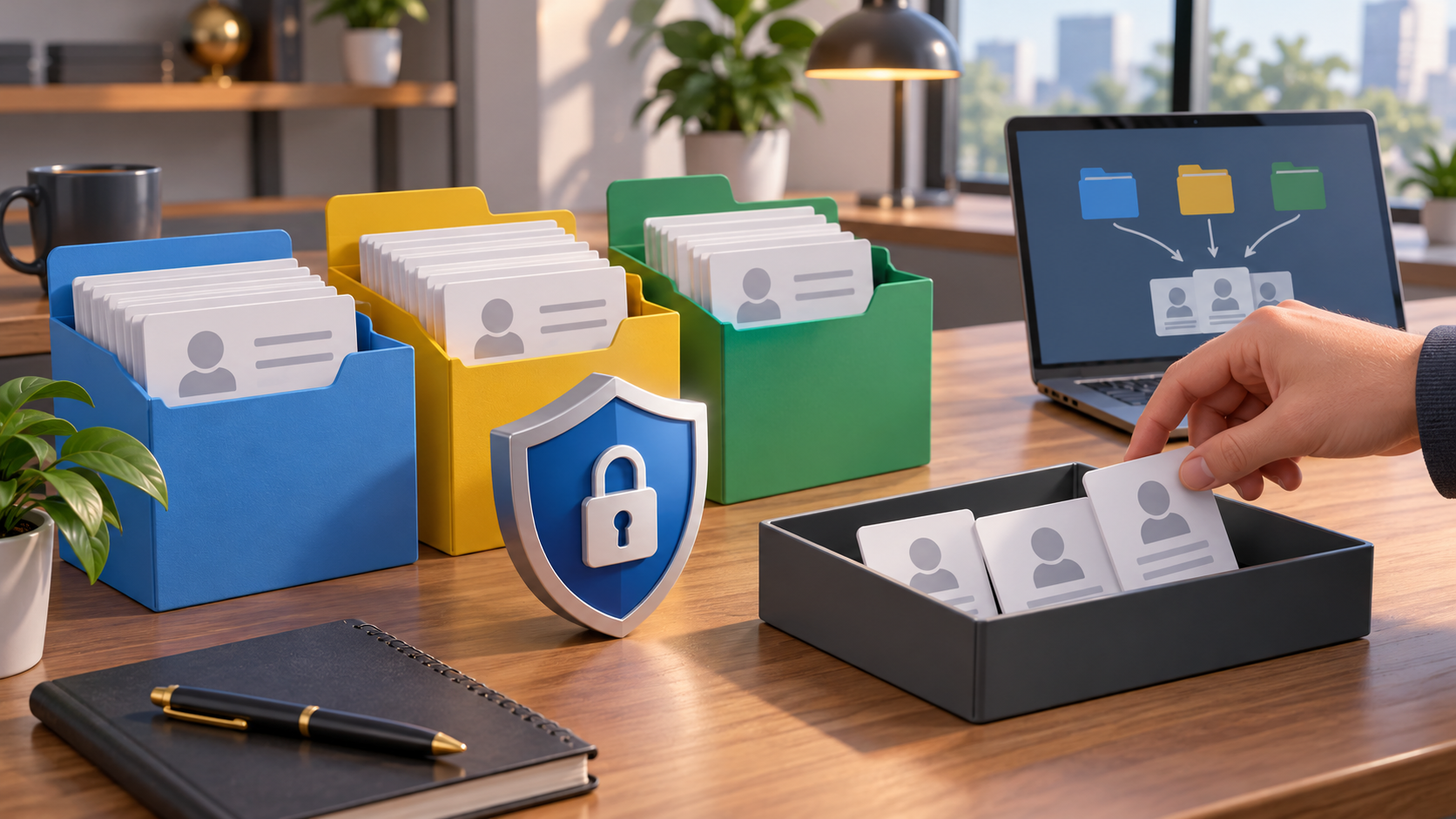
For a first scan, send the smallest sample that shows the handoff. You do not need to send passwords, full customer records, private exports, full CRM access, payment data, or sensitive personal information.
A safe first-scan sample can look like this:
| Field | Safe example |
|---|---|
| Source | Google, Facebook, website, referral, vendor A |
| Date received | June 14 |
| Job type | roof repair, kitchen estimate, drain issue |
| Fit label | good fit, wrong area, duplicate, unclear |
| Owner | office, estimator, owner, no owner shown |
| First touch | called same day, emailed next morning, no note |
| Second touch | text follow-up, voicemail, no second touch |
| Last meaningful note | left voicemail, buyer asked about timing, sent estimate |
| Next action | call back, close as wrong fit, send estimate, ask for photos |
If you already have a spreadsheet, export, or CRM report, it can often be reduced to those fields before sharing. If you only have screenshots, redact names, phone numbers, addresses, and private details first.
Use the AI Cleanup Doctor First Scan Readiness page for the practical boundary: First Scan Readiness. The Order page also lets you choose a small evidence path before sending anything broad: Order.
What Not To Send Yet
The first pass should avoid over-sharing. More data is not always better if the basic handoff is still unclear.
Do not send these materials in the first pass unless specifically requested and safe:
| Do not send first | Safer substitute |
|---|---|
| CRM password | Redacted screenshot or exported sample |
| Full customer list | 10 to 20 anonymized rows |
| Payment records | Payment status label if relevant |
| Private customer addresses | City or service area only |
| Call recordings | Call outcome labels or timestamps first |
| Full vendor contract | Source name and lead type summary |
| Personal text threads | Redacted notes or summary fields |
| Medical, legal, financial, or highly sensitive details | Remove or summarize before sharing |
This is partly a privacy habit and partly a cleanup habit. If the business cannot explain the source, owner, first touch, second touch, fit label, and last note from a small sample, a full export may only make the mess larger.
Simple Multi-Source Lead Table
Here is the kind of table that makes a multi-source lead review much easier:
| Lead | Source | Job type | Fit | Owner | First touch | Second touch | Last meaningful note | Next action |
|---|---|---|---|---|---|---|---|---|
| 1 | Roof leak | Good fit | Office | Same day call | Next day text | Buyer asked about photos | Ask for photos | |
| 2 | Remodel quote | Unclear | No owner | No note | No note | Form received only | Assign owner | |
| 3 | Vendor A | HVAC repair | Wrong area | Estimator | Same day call | No second touch | Outside service area | Mark wrong-fit |
| 4 | Referral | Bathroom remodel | Good fit | Owner | Text reply | Estimate sent | Waiting on deposit | Follow up |
| 5 | Website | Drain issue | Good fit | Office | Email reply | Voicemail | Buyer asked about timing | Call back |
This table does not prove which source is best. It shows which records are clean enough to compare. That is the first useful step.
How To Compare Sources Without Blaming Too Early

Source comparison should come after response proof, not before it.
A contractor may say, "Facebook leads are bad." But if Facebook leads have no assigned owner, no first-touch note, and no second-touch note, the record does not prove that the source is bad. It proves that the response path is unclear.
The same is true for a lead vendor. If the vendor sends duplicate, wrong-area, or wrong-service leads, that should be labeled. But if the contractor never records first response, second response, or buyer objection, the vendor conversation becomes muddy.
Use this comparison logic:
| Source review question | What a clean record can show |
|---|---|
| Did the source send the right kind of lead? | Fit label, area, job type |
| Did the business respond clearly? | First touch, second touch, owner |
| Did the buyer ask for something specific? | Last meaningful note |
| Did the lead stall after estimate? | Estimate sent, deposit explained, next step |
| Was it truly duplicate or wrong-fit? | Duplicate marker, wrong-area marker, service mismatch |
| Is the source worth more spend? | Only after enough response proof exists |
This is why FTC-style claim caution matters in marketing language. Public claims about outcomes should be truthful, not misleading, and evidence-based. For internal cleanup, the same discipline is useful: do not make strong conclusions until the record supports them.
When The $197 Scan Is Enough
The $197 AI Cleanup Doctor scan can be enough when the question is narrow:
- "Can you tell why my paid leads feel messy?"
- "Can you help me see whether the issue is the source or the follow-up?"
- "Can you review a small sample from several lead channels?"
- "Can you show what fields we should track before spending more?"
- "Can you make a simple board from a few redacted rows?"
The scan is not a full CRM rebuild. It is not a promise to recover jobs, lower lead costs, improve rankings, increase lead volume, prove vendor fault, win refunds, or book revenue. It is a focused first pass that makes the handoff visible.
For many contractors, that is enough to decide the next move:
| Finding | Possible next move |
|---|---|
| No owner shown | Assign one owner per source |
| No second touch | Add a second-touch habit |
| Wrong-fit leads are mixed with good-fit leads | Separate fit labels before judging source |
| Vendor leads have clean response proof but poor fit | Review vendor settings or pause route |
| Website leads have no routing owner | Fix form notification path |
| Referrals live in owner texts only | Create a light tracking habit |
What AI Cleanup Doctor Would Look For First
The first review would usually look for simple patterns:
| Pattern | Why it matters |
|---|---|
| Source with no owner | Leads may be entering the business but not landing anywhere |
| Owner with no first-touch note | The team cannot prove the buyer was contacted |
| First touch but no second touch | Follow-up may be too thin |
| Good-fit lead marked dead too early | The buyer may have needed a clearer next step |
| Wrong-fit lead counted against the source | The source may need filtering, not blame |
| Duplicate lead counted twice | Spend and performance can look worse than they are |
| Estimate sent but no deposit note | The close path may be unclear |
| High-value lead with weak last note | The next action may be hidden |
None of those patterns automatically proves fault. They tell you where to inspect next.
A Good First Message To Send
If you are not sure what to send, keep it small:
"We get leads from several places: Google, Facebook, our website, referrals, and one paid vendor. I want a first scan of whether the handoff is clear before we spend more. I can send 10 to 20 redacted rows with source, job type, owner, first response, second touch, fit label, last note, and next action. Is that enough to start?"
That is the right shape. It protects privacy, keeps the scope realistic, and asks for a cleanup scan instead of a miracle diagnosis.
Safe Next Step
If your leads come from several vendors or channels, start with the smallest useful sample. Use the Order page evidence path at https://cleanup.stoga.com/order and choose the option closest to your situation. If you are unsure, use https://cleanup.stoga.com/first-scan-readiness to prepare a redacted sample.
AI Cleanup Doctor can help organize the first layer of lead management evidence, but it should not be treated as legal, financial, advertising, pricing, or vendor-dispute advice. It also does not promise attribution certainty, lead quality certainty, ranking, traffic, lead volume, sales outcomes, refunds, or revenue.
Sources Reviewed
- https://www.ftc.gov/business-guidance/advertising-marketing
- https://www.ftc.gov/legal-library/browse/ftc-policy-statement-regarding-advertising-substantiation
Next step
Start with the public URL and the follow-up issue you want inspected: https://cleanup.stoga.com/order